How Should Ecommerce Sites Handle 404 HTTPS Errors?
27 August 2025

Roberta Johnston
SEO Lead
I'm an SEO specialist with over 8 years of experience helping brands grow through strategic, data-driven search optimisation. I've worked with large e-commerce websites and niche brands alike, developing a deep understanding of ranking algorithms, generative AI, and LLMs like ChatGPT, Perplexity AI, and Gemini. My expertise spans technical SEO, ensuring sites - whether a few dozen pages or 100,000+ - are crawled and indexed effectively.
Tags
The Inevitable 404
You're running a thriving ecommerce site, dropping old products and adding new ones. It's business as usual.
But what happens when a customer lands on a product page you've removed?
The reality is that 404s are a common and inevitable part of an ecommerce site's lifecycle. But with so many conflicting opinions on how to handle them, it's easy to get confused.
We're here to dispel the myths and provide a strategic, experience-backed approach to handling 404s that prioritises both your business and your customers.

What is a "404"?
First things first: a 404 HTTPS error is simply a "Not Found" response code that indicates the page you're looking for does not exist on the server. (We've got a list of all the most common HTTPS response codes right here.)
When a search engine bot or a user tries to access a page that has been removed, the server sends back this message. It’s an unavoidable part of managing an ecommerce site, especially when you drop products from your catalogue.
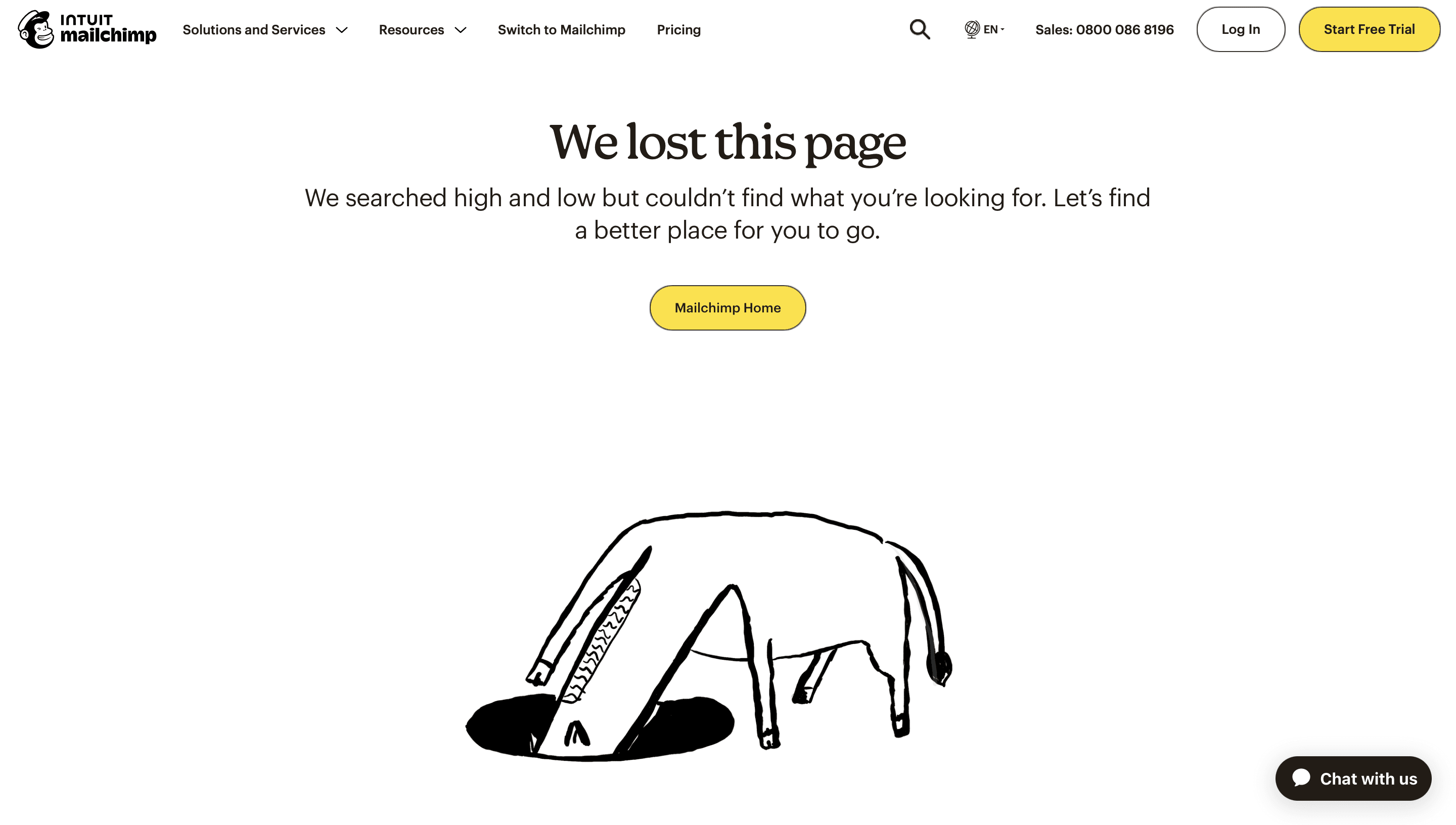
Mailchimp
What's a "Soft" 404?
On the other hand, a "soft" 404 is a page that returns a 200 OK status code but looks like a 404 page to a bot. In ecommerce, this is pretty common: collections, promotional ranges, or even entire categories can have all products removed while the page they're housed on stays live.
Crawlers and bots reach the page, see that it serves a "200 OK" status but that the page is essentially empty, and perceive it as a "soft" 404. "This page is accessible and live so we thought we'd find something on it, but it's empty - looks like a mistake!"
This is a problem because it tells a search engine that the page is working properly, even though it's not. This can cause the search engine to waste its time and crawling budget on a page that provides no value, which is a major red flag for the health of your site.
Soft 404s are a whole other issue (hint: you should deal with them!) so let's get back to typical 404s.
How Search Engines & AI See 404s
So, what’s the biggest myth around 404s? That they are inherently bad for SEO and will tank your rankings.
The reality is, search engines (and the new AI bots) are pretty smart.
They understand that 404s are a normal, unavoidable part of a website’s lifecycle, especially for ecommerce sites with constantly changing product catalogues. Google’s John Mueller has consistently stated that 404s are not a major negative ranking factor in and of themselves.
However, this doesn’t mean they’re without impact. A high number of them can:
- Impact your site crawling: If bots consistently get nothing but 404s, they’ll be discouraged from future or further crawling, and that can impact your performance and site perception.
- Impact the perceived experience of your site: If users consistently get served 404 pages, their engagement with your site will reflect their dissatisfaction, and that can impact your performance and rankings.
The primary issue with a 404 isn't how it affects your rankings, but how it affects your user.
To Redirect, or Not to Redirect?
If 404s aren't the SEO death sentence they were once made out to be, then the strategic question becomes: what should you do with them?
The decision isn’t about a single best practice; it’s about a strategic choice that depends entirely on your business. You have a few options, each with a different set of benefits and caveats.
Option 1: The Manual 301 Redirect
A 301 redirect is a permanent redirect that sends users and search engines to a new page. You should use this when a product has moved permanently to a new page or has a direct, highly-relevant replacement.
The benefit here is that you preserve PageRank and authority, and you send users and bots to a working page. For a smaller boutique store with a handful of products, this is a very practical and effective way to maintain your online footprint and authority.
What does this look like to bots + users? The bot gets a clear "moved permanently" signal and passes the page's authority to the new URL. The user is taken directly to a relevant, live page with no interruption.
Option 2: The Automatic Redirect
An automatic redirect, which is common for large-scale sites, sends users to a category page or the home page.
A common practice is to automatically redirect all 404s to a category page or the home page. This is a time-efficient solution, but it comes with a major caveat: it can create a poor user experience if the redirected page is not relevant, and it may not pass PageRank effectively.
What does this look like to bots + users? The bot gets a redirect signal but may not see a strong thematic connection to the original page. The user is sent to a page they didn't ask for, which can be a frustrating and confusing experience.
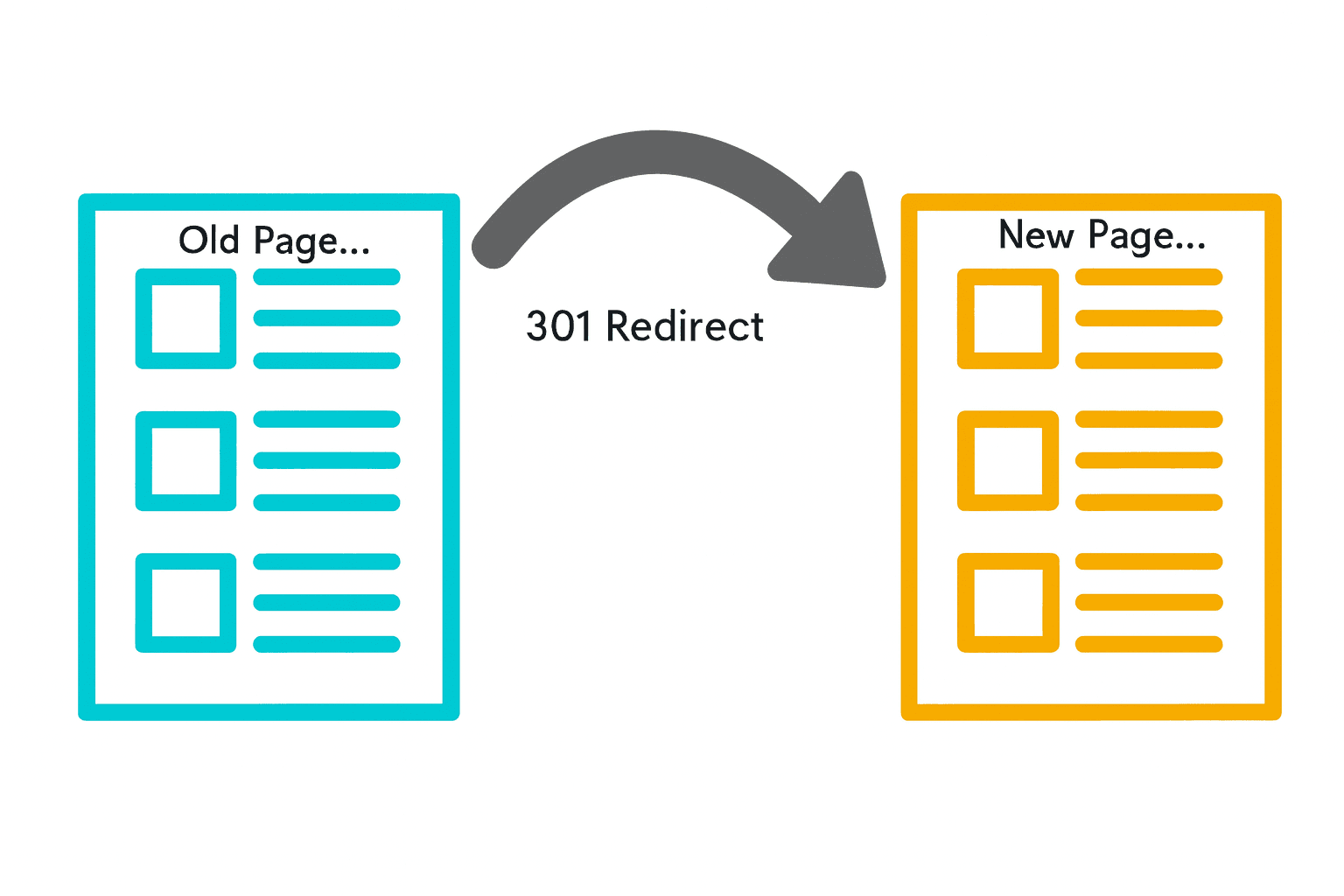
A 301 redirect "in action"
Option 3: The Native 404
A native 404 is a page that returns a 404 response code but is designed to be helpful to a user. This is a perfectly acceptable method, especially for products that are permanently out of stock and have no suitable replacement.
The benefit here is that it's the most efficient method for search engines, as it signals to them that the URL should be dropped from the index. The caveat is that you're relying on your 404 page to be a good user experience (so it better be worth its salt!).
What does this look like to bots + users? The bot gets a clear "Not Found" signal and knows to drop the page from its index. The user sees a proper error page (that should have helpful information, such as a search bar or links to other popular products).
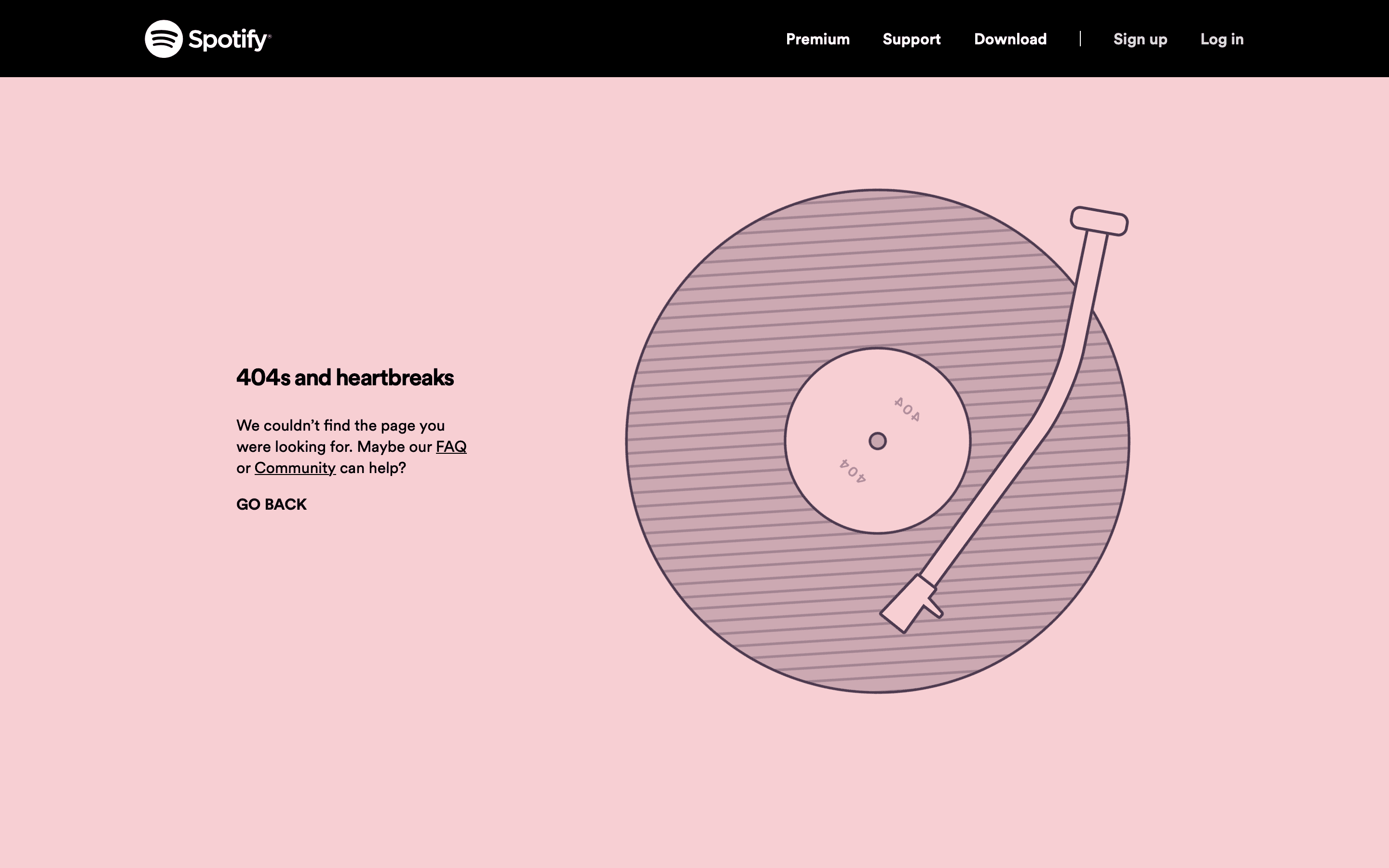
Spotify
One Size Does Not Fit All
So, with all that in mind, the final question is: what's the right choice for your ecommerce business?
The reality is, your strategy for handling 404s should be tailored to your specific situation - but the core of this decision-making process should always be your customer.
What do you want them to experience when they land on that page? The action you want them to take should ultimately determine the route you take.
There are other things to factor in, such as:
Site Size & Product Turnover
A large site with frequent product drops needs a completely different approach than a boutique store with a handful of products.
For large sites, manual 301 redirects are simply not practical and may be a waste of time. It's often more efficient to rely on automation or, in many cases, to simply let the page 404.
Site Visits
Consider how many people are actually visiting the page.
If a removed product page is still getting a significant amount of organic traffic, it's worth redirecting it to a relevant category page or product. But if the page has had no traffic for months, leaving it to 404 is a perfectly acceptable choice.
Crawling Frequency
You should also consider how often search engines crawl your site.
If your site has a high product turnover and a high crawling frequency, a 404 will likely be discovered and dropped from the index quickly, making a redirect less of a concern.
From a Hindrance to an Opportunity
A 404 isn't a problem to be fixed; it's a strategic opportunity to guide your customer, signal quality to search engines, and improve your site's health.
The best way to handle them isn't through a single best practice, but through a strategic choice that is unique to your business.
We’ve seen that what works for a large ecommerce site with a high product turnover won’t work for a small boutique. This is where personalised, strategic SEO makes all the difference to search engines, AI, and - most importantly - your customers.
And it's what we specialise in.
Turn your 404s into a strategic asset, not a liability. Talk to our experts today about a technical audit.